Sparklet vs emWin: Three Critical Differences
Explore design tooling, licensing economics, and platform coverage in detail.
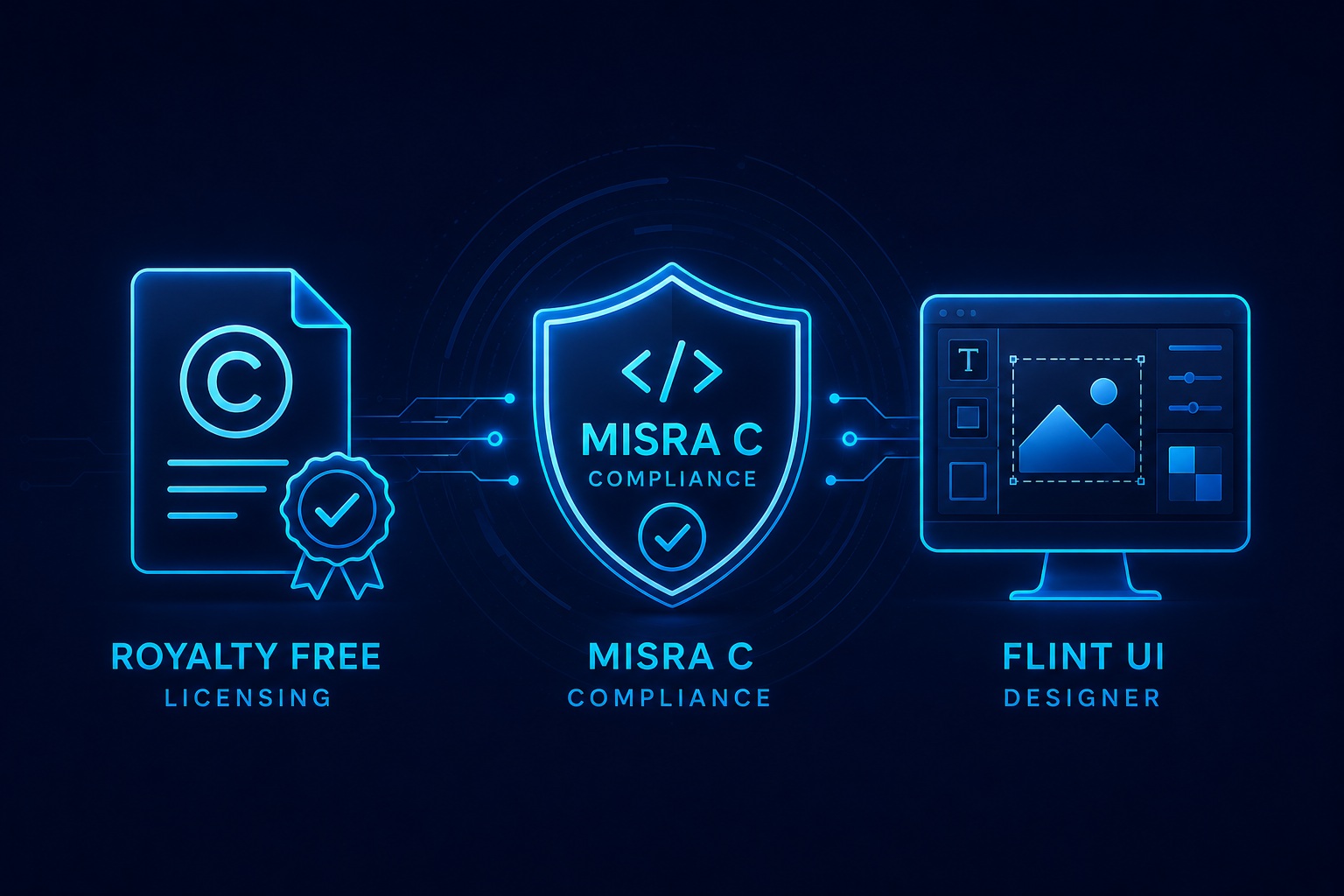
The Design Tooling Gap: No Visual Environment in emWin
emWin has no WYSIWYG design environment. Every embedded screen must be constructed entirely in C — function calls to place widgets, manual coordinate calculations, pixel-level layout iteration, and written state transition logic. This is the same workflow used to build embedded UIs in the early 2000s, and it remains emWin's approach today.
The productivity cost is significant. A moderately complex screen with 15–20 widgets, several states, and basic animations may take a developer two to three days to build, test, and iterate in emWin's code-first model.
The same screen in Flint UI Designer — drag-and-drop layout, visual state machine wiring, one-click C export — takes two to four hours. Across a product with 20–50 screens, this difference compounds into weeks of engineering time.
Specifically, Flint adds what emWin entirely lacks:
- UML-based visual state machine editor — wire screen transitions and application states without hand-coded event handlers
- Animation timeline with keyframe control and easing curves — no manual interpolation code
- Figma asset import — UX design files flow directly into production code
- WYSIWYG real-time preview — see layout changes instantly without compile-flash cycles
Sparklet's position: Flint UI Designer reduces embedded GUI development time by up to 70% compared to code-first approaches like emWin.
Per-Unit Royalty vs Royalty-Free: The Lifetime Cost Difference
emWin charges a royalty on every device shipped. The per-unit rate varies by agreement, but the structural problem is the same: your licensing cost grows proportionally with production volume.
Consider the licensing economics across a product lifecycle:
- In the prototyping phase: per-unit royalties are negligible — a few hundred units cost almost nothing.
- At 50,000 units: royalties register as a significant cost line on every BOM.
- At 100,000+ units: the royalty model means the GUI framework continues to extract cost from every device sold — indefinitely, for the entire field life of the product.
Sparklet's developer-seat model inverts this entirely. Your licensing cost is a fixed function of the number of engineers working on the project — not the number of devices shipped. A product deploying one million units pays the same licensing cost as one deploying one thousand.
Products with long field life — 7 to 15 years in industrial, medical, and automotive — produce large cumulative unit counts. For these products, the lifetime licensing cost difference between a per-unit model and a royalty-free model is substantial.
Royalty-free licensing also simplifies commercial management: no unit volume reporting, no per-unit audit risk, no royalty accounting overhead.
Hardware Acceleration and Platform Coverage
Both emWin and Sparklet support broad ranges of 32-bit MCU and MPU hardware. The differences are in acceleration depth and platform validation quality.
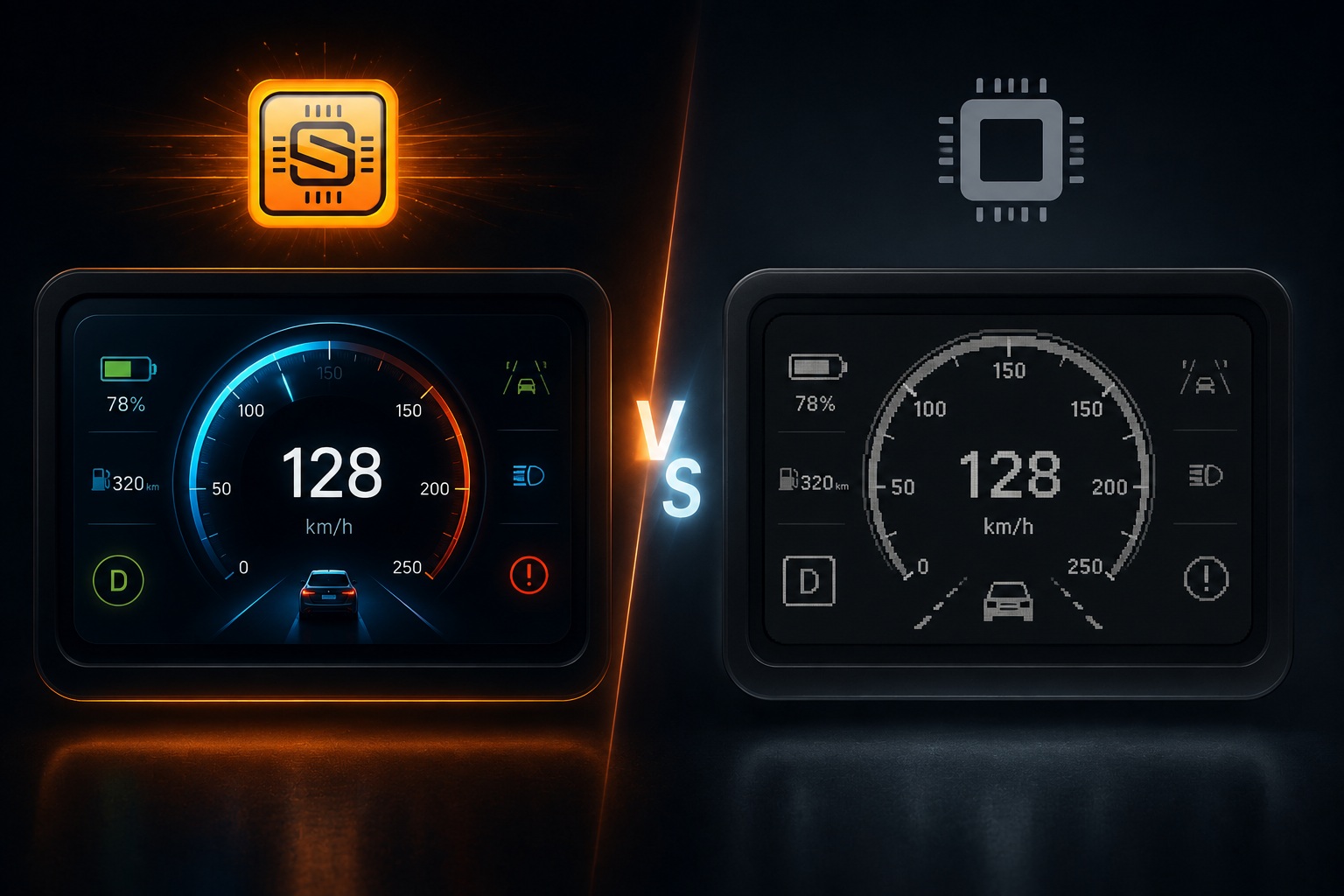
emWin provides platform support through SEGGER driver packages, covering a wide range of silicon. Hardware acceleration support is present but limited in scope — basic fill operations and bitmap blitting on some platforms, with less coverage of composition, alpha blending, and rotation acceleration.
Sparklet's hardware acceleration integrations are developed by Embien's engineering team with direct silicon vendor relationships:
- STM32: DMA2D (Chrom-ART) — compositing, alpha blending, colour conversion
- Renesas RH850: D/AVE2D — 2.5D hardware-accelerated rendering
- Renesas RA8D1: Mali-Limav GPU — hardware-accelerated 2D and 3D
- NXP i.MX RT: PXP (Pixel Pipeline) — scaling, rotation, colour space conversion
- NXP i.MX 8: Mali GPU — full OpenGL ES for 3D UI elements
All acceleration paths cover compositing, alpha blending, rotation, and scaling — not just basic fill. See hardware acceleration details.