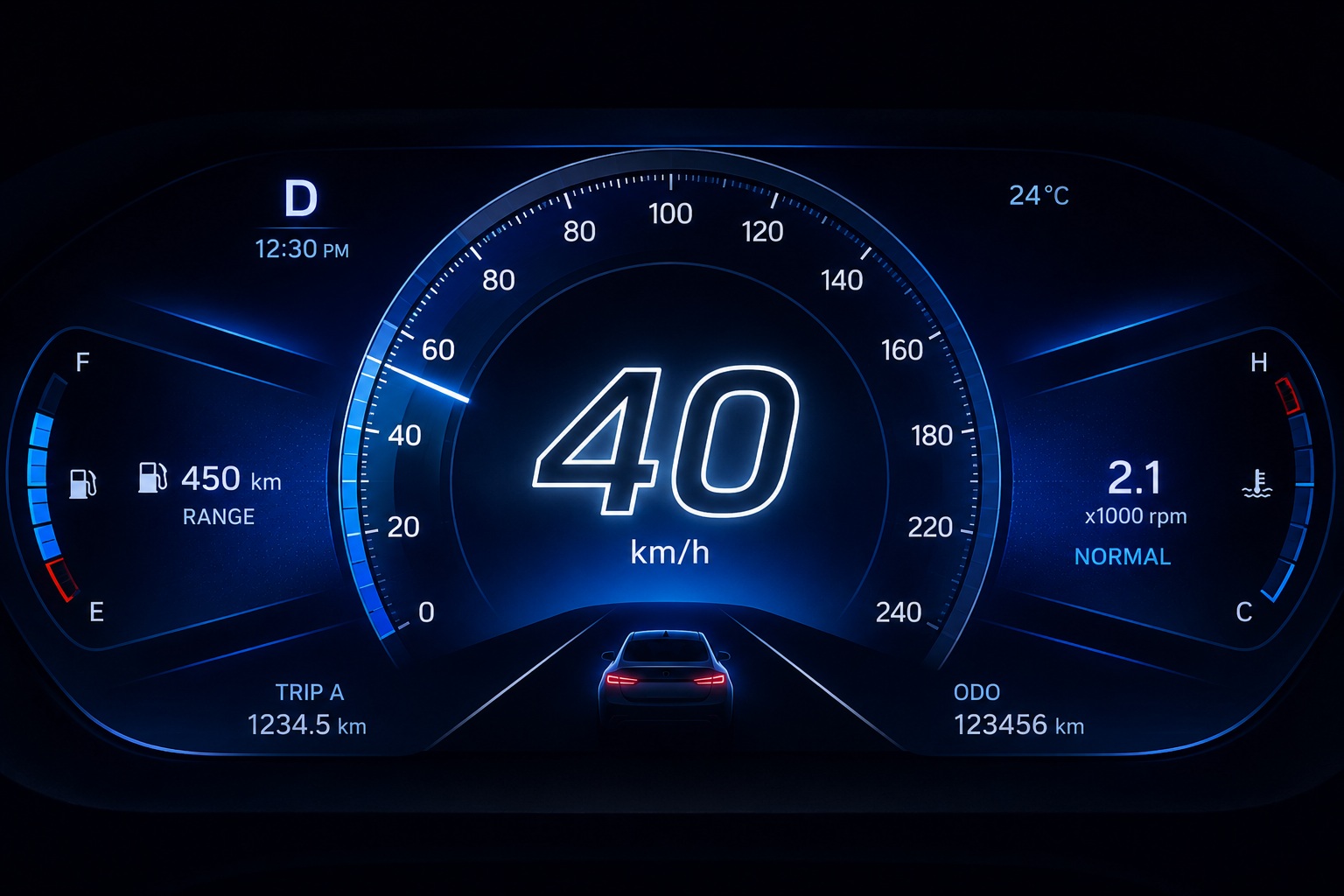
Validate your embedded display concept before a single line of firmware is written. Embien's engineering team builds interactive, clickable GUI prototypes — running on Windows simulator or your target hardware — in days, not months.
Embedded GUI rapid prototyping is the process of building an interactive, clickable display prototype — on a PC simulator or real embedded hardware — within days, enabling product teams to validate UI concepts before committing to full firmware and application development. Rather than describing a user interface in a specification document, you put a working prototype in front of stakeholders, test engineers, and end-users while requirements can still change cheaply.
Embien delivers rapid embedded GUI prototypes using Flint UI Designer and the Sparklet embedded GUI framework. Flint's WYSIWYG drag-and-drop environment lets Embien's team sketch, refine, and animate screens in hours — not weeks. The result is a fully interactive prototype with real navigation, animated transitions, and representative data, running first on the Windows PC simulator and then deployed to the target MCU or MPU evaluation board.
This service is part of Embien's embedded GUI development services portfolio and is most often the first engagement for new product programmes and greenfield display designs.

Embien's engineer joins a one-hour call to capture display hardware specification, target MCU/MPU, UI flow requirements, visual brand guidelines, and any hard constraints (safety symbols, regulatory labels, screen resolution, touch vs. no-touch).

Requirements are documented in a one-page design brief covering screen list, navigation map, data sources, and animation expectations. The brief is shared with the customer for approval before design begins — preventing scope creep and ensuring alignment.

Embien's team builds screens in Flint UI Designer, wires navigation, configures animations, and populates representative data. A Windows simulator build is shared at the end of each day for async review. Simple prototypes are complete within 1–2 days; multi-screen animated prototypes within 3–5 days.

The customer reviews the simulator build and provides feedback. Embien iterates rapidly — Flint's live preview means screen changes take minutes, not hours. Typically one or two iteration rounds are sufficient before sign-off.
The approved prototype is compiled and deployed to the target MCU or MPU evaluation board. Frame rate, touch responsiveness, and rendering quality are validated on real hardware. The complete Flint project and Sparklet source build are handed over.
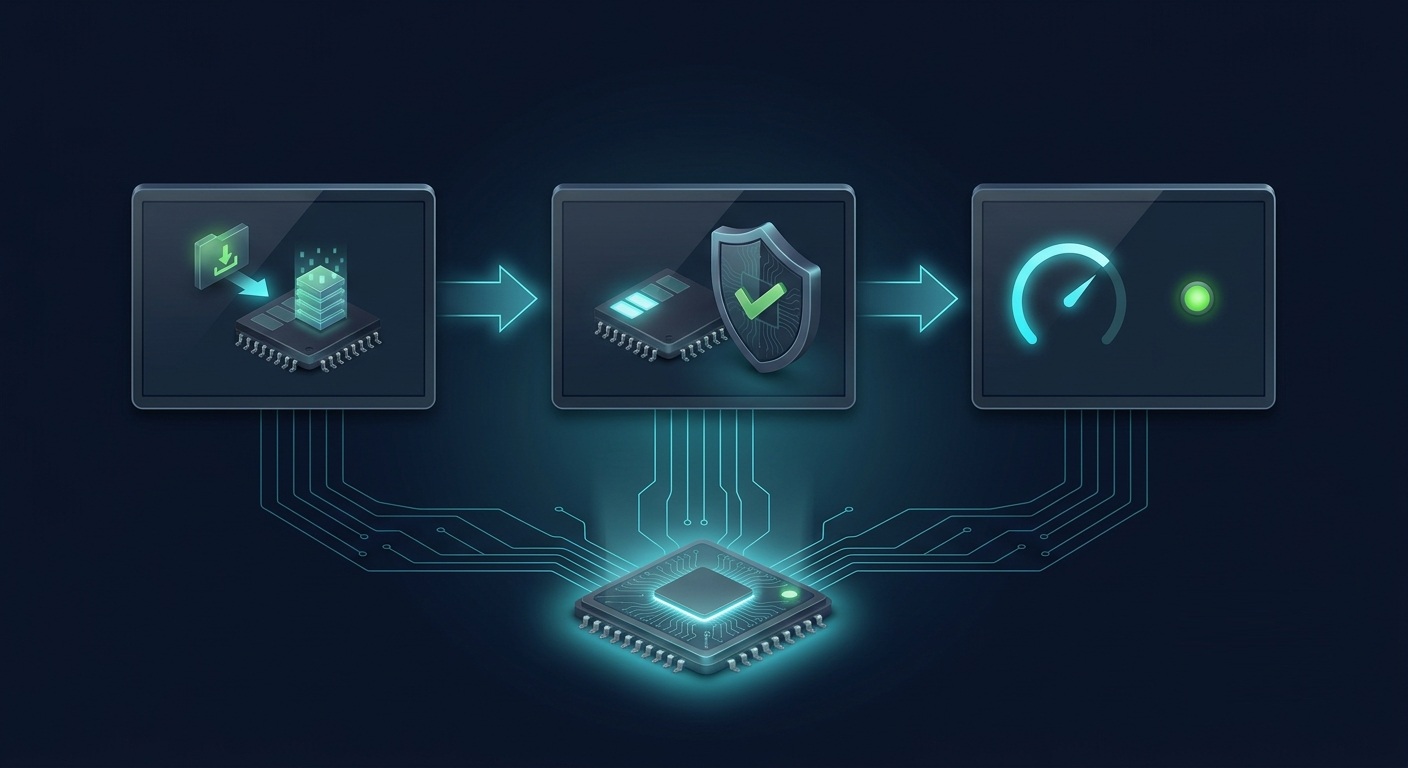
Deliverables, use cases, and timeline at a glance.
Every Embien rapid prototype delivery includes a complete, reviewable package:
After delivery, the customer team can take the prototype forward using Sparklet independently or engage Embien for the next phase — custom embedded GUI development or platform porting.

Embien's team has delivered rapid embedded GUI prototypes across all major display-driven product categories:

Prototype timelines depend on screen count, animation complexity, and whether hardware deployment is required.
Timeline estimates assume prompt feedback on design brief approval and daily progress reviews. Embien provides an update at the end of each working day during the build phase.


A simple single-screen embedded GUI prototype can be ready within 1 to 2 working days of design brief approval. A multi-screen animated prototype covering a complete navigation flow is typically delivered within 3 to 5 working days. Embien shares a Windows PC simulator build at the end of each day so the customer can review progress asynchronously.
Tell us your display specification, target MCU, and UI requirements. Embien's team will turn it into a working interactive prototype within days.