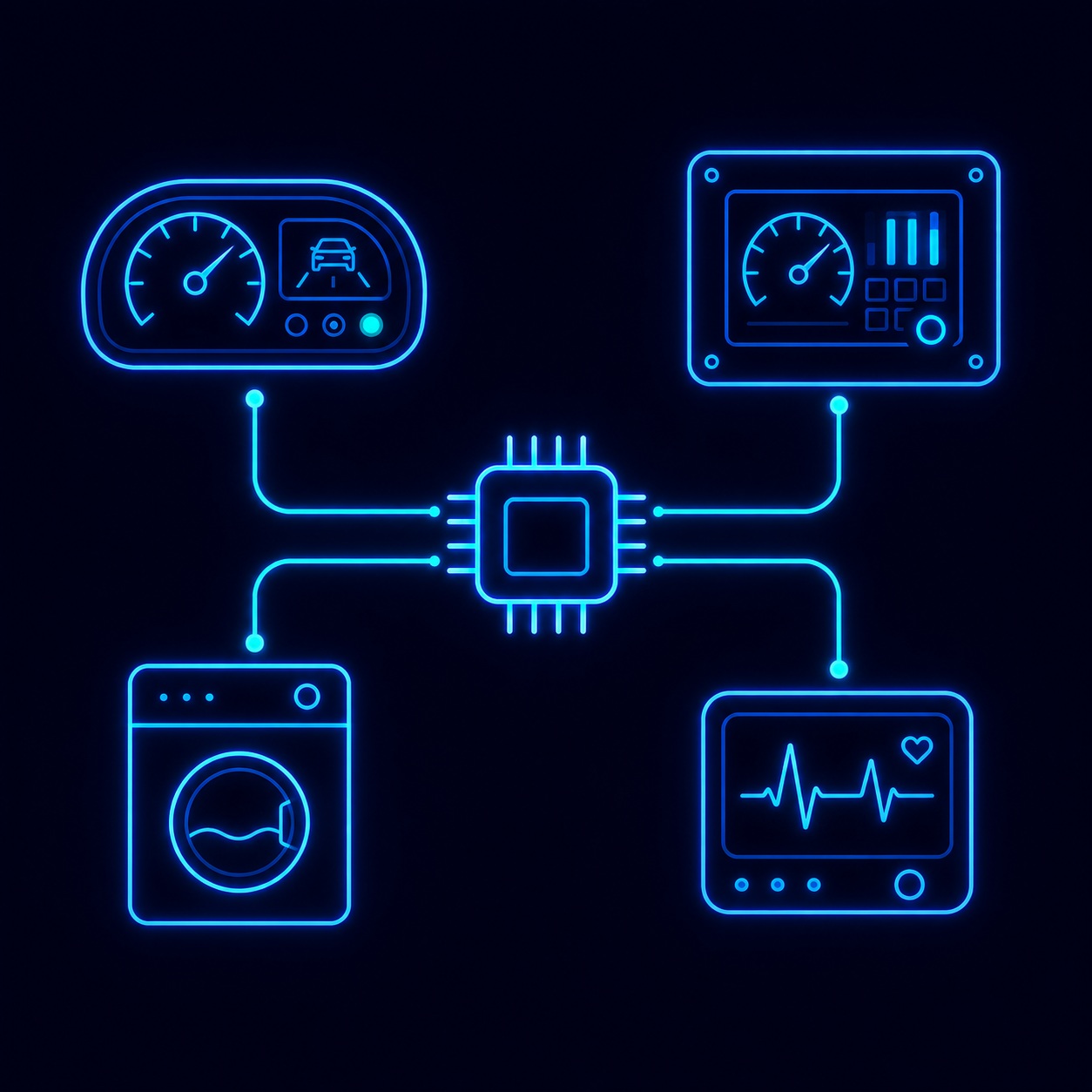
Eight Criteria for Evaluating an Embedded GUI Library
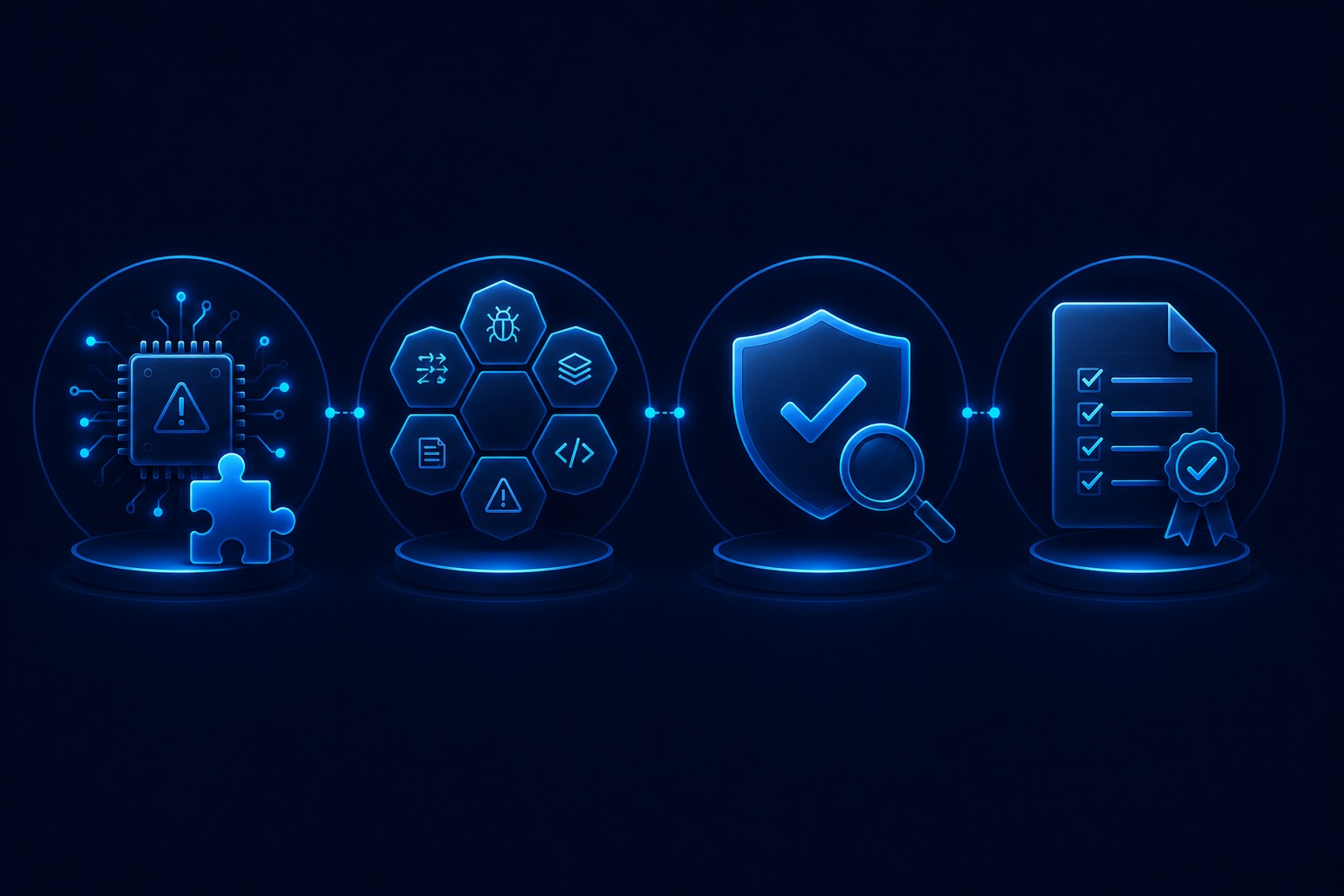
Technical, business, development, and support factors — organised into four evaluation groups for systematic framework selection.
Language, MISRA C, and Hardware Acceleration
Criterion 1 — Programming Language: C vs C++
Most embedded firmware is written in C. A C++ GUI library introduces a language boundary — calling conventions, name mangling, object lifetime management, and build system complexity all increase. C++ also structurally eliminates MISRA C compliance as an option. Pure C libraries (LVGL, Sparklet, emWin) integrate cleanly into C firmware. C++ libraries (Qt for MCUs, TouchGFX) require the C++ runtime, which adds code size and complexity. For MCUs below 512 KB Flash, C++ runtime overhead is a material cost that reduces the Flash budget available for UI assets and application code.
Criterion 2 — MISRA C Compliance: Mandatory for Regulated Industries
ISO 26262 (automotive ASIL A–D) and IEC 62304 (medical device software Class B/C) both require MISRA C compliance throughout the software stack — including the GUI library. Among major frameworks, only Sparklet and a subset of emWin offer full MISRA C compliance. LVGL, Qt for MCUs, and TouchGFX do not comply. For any product targeting safety-critical applications, MISRA C compliance must be a mandatory filter applied first — it eliminates non-compliant candidates before any other evaluation begins.
Criterion 5 — Hardware Acceleration Support
The key question is not 'does the framework support hardware acceleration?' but 'which specific hardware accelerators on my target MCU are natively integrated?' Native integration — using the accelerator's specific DMA, register map, and command set — separates smooth 60 fps from sluggish 15 fps on the same hardware. Sparklet natively integrates DMA2D (STM32), D/AVE2D (Renesas RH850), Mali-Limav GPU (Renesas RA8D1), PXP (NXP i.MX RT), Chrom-ART (STM32), and 3D OpenGL ES / Vulkan (NXP i.MX 8). See the performance page for platform benchmarks.
Licensing Model and Platform Portability
Criterion 3 — Licensing Model: Open Source vs Royalty-Free vs Per-Unit Royalty
Three licensing models dominate the embedded GUI market, each with fundamentally different cost characteristics:
- MIT Open Source (LVGL): Zero licensing cost. No MISRA C, no professional support, no design tool. Total cost of ownership depends on engineering hours compensating for these gaps — which routinely exceed commercial licensing costs for production programmes.
- Per-unit royalty (Qt for MCUs, emWin): A fee is paid for every device shipped. At 100,000 units, per-unit royalties can exceed the entire development team's annual cost. Creates BOM uncertainty before production volume is known and scales linearly as the product succeeds.
- Royalty-free per-developer-seat (Sparklet): Fixed fee per engineer. Zero per-unit cost at any production volume. BOM cost is entirely predictable from day one. Scales economically from 1 unit to 10 million units with no change in licensing cost.
Criterion 7 — Platform Portability: Single-Vendor vs Silicon-Agnostic
A GUI framework locked to a single silicon vendor (TouchGFX on STM32) creates strategic risk: if the vendor's MCU becomes unavailable, expensive, or technically insufficient, the GUI framework must be replaced entirely — discarding all UI development investment. Silicon-agnostic frameworks — where the same UI codebase compiles for multiple hardware targets via a HAL layer — protect the GUI investment across hardware generations. Sparklet is supported on Renesas, NXP, STM32, Infineon, Nuvoton, and Rockchip. A hardware platform change requires only a HAL layer swap, not a UI code rewrite.
Design Tooling and Memory Footprint
Criterion 4 — Design Tooling: No-Code WYSIWYG vs Code-Only Development
A full-featured WYSIWYG design tool — with drag-and-drop widget placement, visual state machines, animation timelines, and C code generation — can reduce embedded GUI development time by 50–70% compared to writing UI screens entirely in C code. This is the most underestimated criterion in framework evaluation: teams focus on API familiarity and overlook the compounding productivity impact of tooling quality over an entire programme.
Tool capability varies dramatically across frameworks: emWin has no design tool at all; LVGL offers SquareLine Studio (basic screen editor, limited state machine support, no Figma import); TouchGFX Designer is functional but STM32-focused and C++ output; Qt Design Studio is a full desktop-class tool (C++ output). Flint UI Designer (Sparklet's design tool) is a full WYSIWYG environment with UML state machine editor, animation timeline, Figma import, and one-click optimised C code generation — available for all Sparklet-supported platforms.
Criterion 6 — Memory Footprint: RAM and Flash Requirements
Memory footprint determines MCU selection. A GUI library requiring 512 KB RAM forces an MCU upgrade that may add $2–$5 per unit at production volume — a cost that compounds millions of times. Sparklet's minimum RAM footprint is 16 KB. Typical production UIs use 16–200 KB depending on active screen count and asset complexity. Frameworks with mandatory C++ runtime (Qt for MCUs, TouchGFX) have higher baseline Flash requirements regardless of UI complexity. Evaluate memory footprint on your specific UI, not on synthetic benchmarks — request the PC simulator evaluation binary to measure Sparklet on your actual screen designs.
Professional SLA vs Community Forums
Criterion 8 — Professional Support: Community vs Vendor SLA
Community support (LVGL's model) works for low-stakes projects with flexible timelines. For production programmes with delivery schedules, a GitHub issue with a two-week response time is not acceptable. Professional support — an engineering support contract with defined response commitments and access to the engineers who built the framework — is a procurement criterion, not a luxury, for production embedded systems.
Sparklet customers have direct access to the Embien engineering team. Not a tier-1 support queue — the framework authors. For integration questions, performance optimisation, hardware bring-up, and custom porting, this is the fastest path to resolution. When evaluating professional support, ask three specific questions:
- What is the maximum response time for a critical production issue — hours or days?
- Who specifically responds — a general support engineer or the framework developers?
- Is there an escalation path for hardware-specific integration problems on non-mainstream MCUs?
Sparklet's support answers all three questions with direct engineering access, defined SLA commitments, and a clear escalation path to the Embien framework architecture team for complex issues. Evaluate support quality during your evaluation: submit a non-trivial integration question and measure response time and depth of answer.