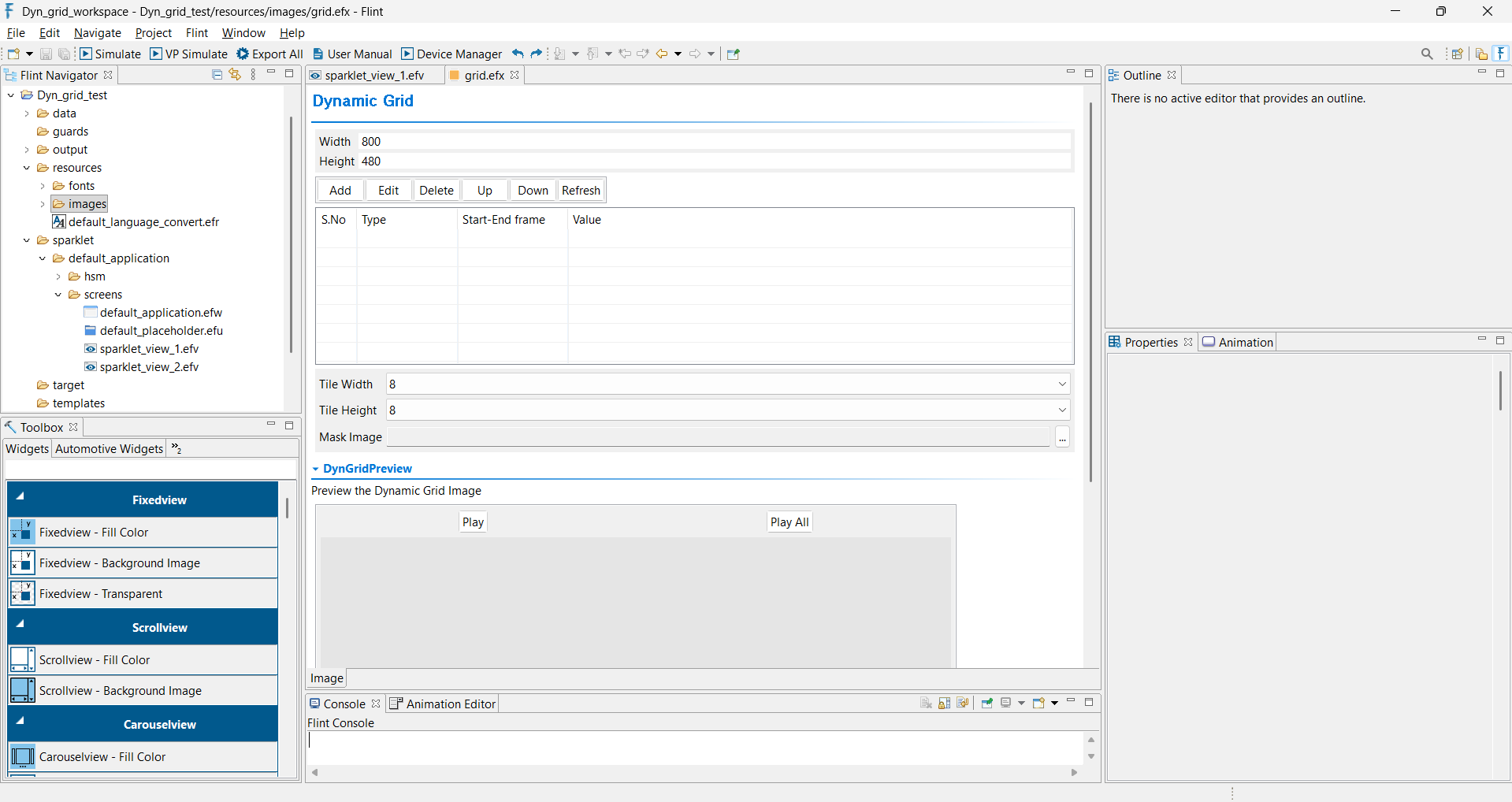
Dynamic Grid Tile EFX is a sequence-based effect used to optimize the rendering of animation frame sequences. The feature divides each frame into a grid of small tiles and reuses tiles that remain unchanged between consecutive frames.
Instead of rendering the entire frame repeatedly, only tiles containing updated pixel data are rendered while unchanged tiles are reused from the previous frame. This method improves rendering efficiency and reduces processing overhead.
Dynamic Grid Tile EFX is particularly useful for animations that contain large static regions or minimal changes between frames.
To create an EFX - Dynamic Grid Tile file, right click on images ->New -> Project. In the dialog, select Sparklet EFX option.
Now select EFX type as Dynamic Grid Tile and click Next.
Place the exported sequence of images in the “sequences” folder under the “images” folder.
Now click on the Add, select Sequence Base Type as “ Image Sequence” from the drop-down list and then click on the Base value. Select the initial image in the sequence and click Ok. Now the sequence of images with frame values has been included and sequences can be played in the preview section.
After adding the sequence, the following properties can be configured.